NEW DROPLight as air.
Your words, beautifully set
Add a title or a caption with built-in fonts. Good for posters, covers and stories.
Create. Edit. Unlimited. All Yours!
Describe a picture and watch it appear. Then erase, restyle, extend, animate or upscale it to 4K, right on your iPhone, iPad or Mac.
No account, no cloud, and it works offline.
Create images from text
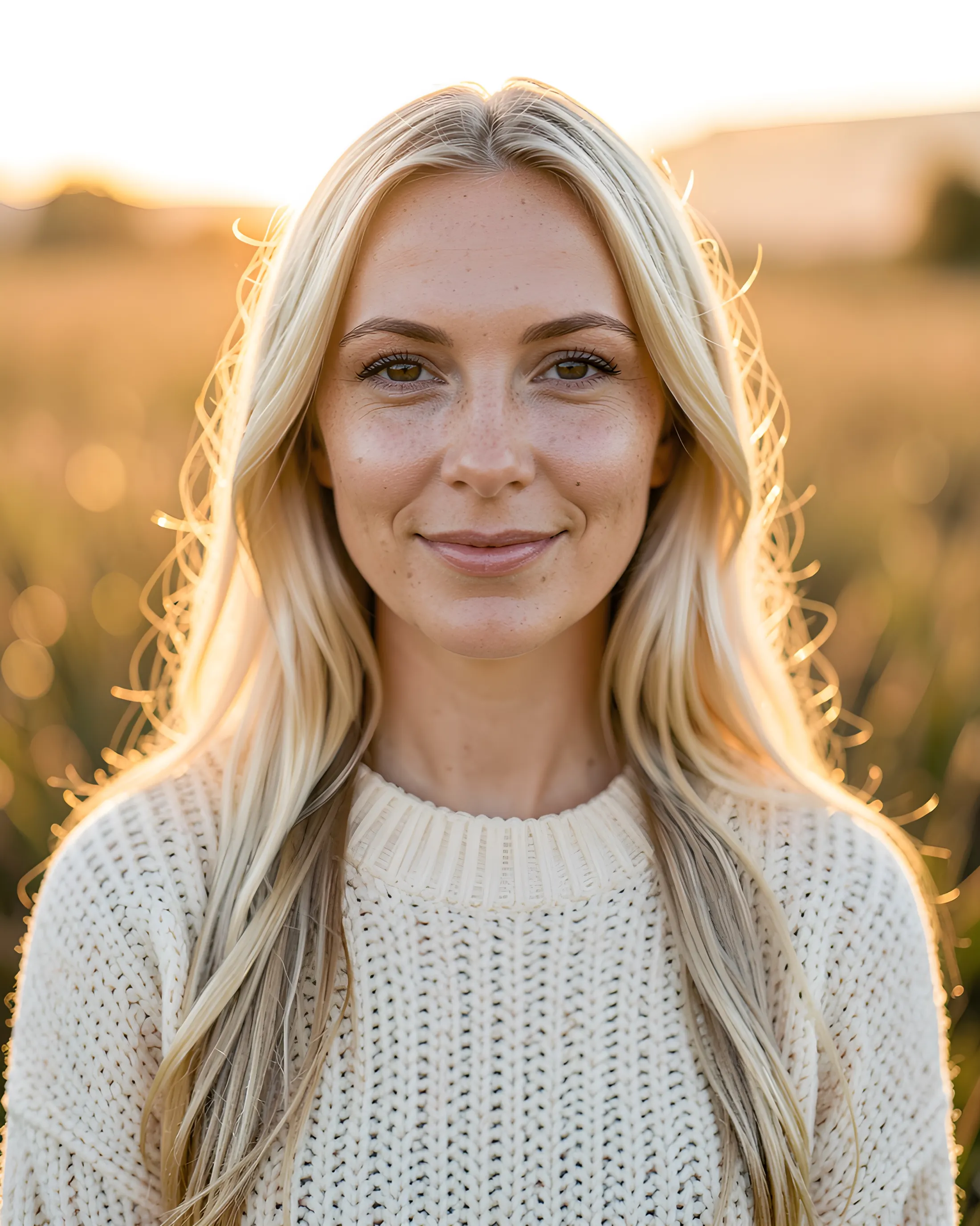
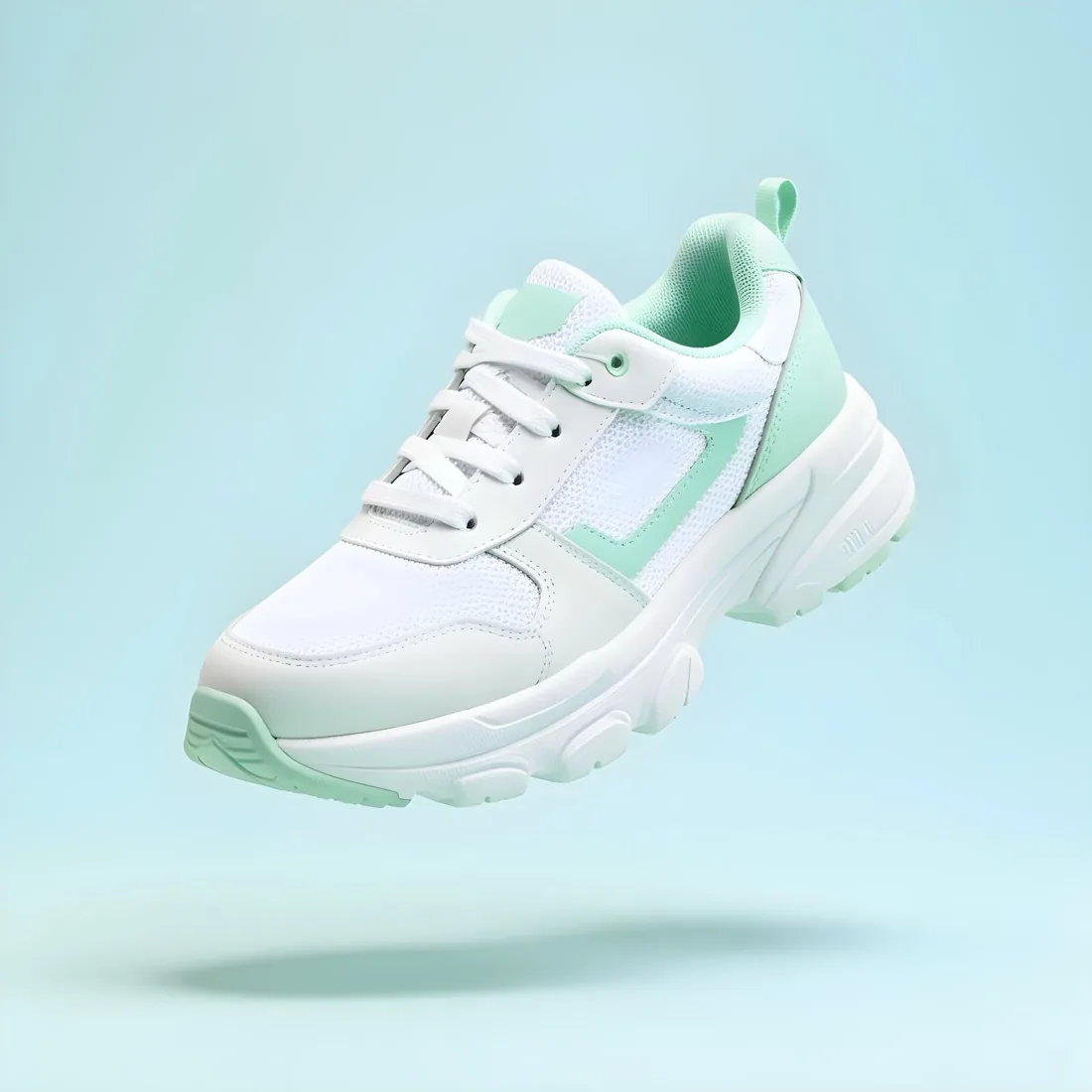
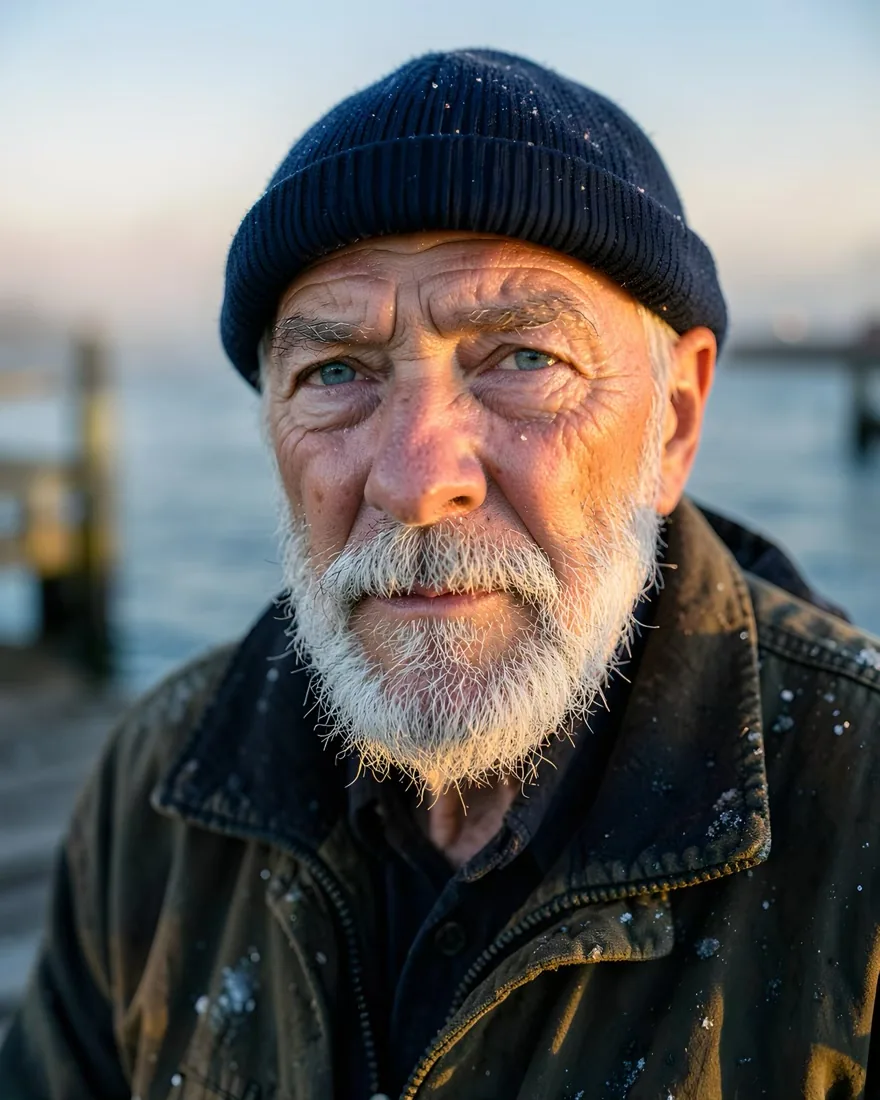
Portraits, product shots, landscapes, illustrations and worlds that do not exist. Type what you see in your head, or start from the prompt library, and the image is made on your device.

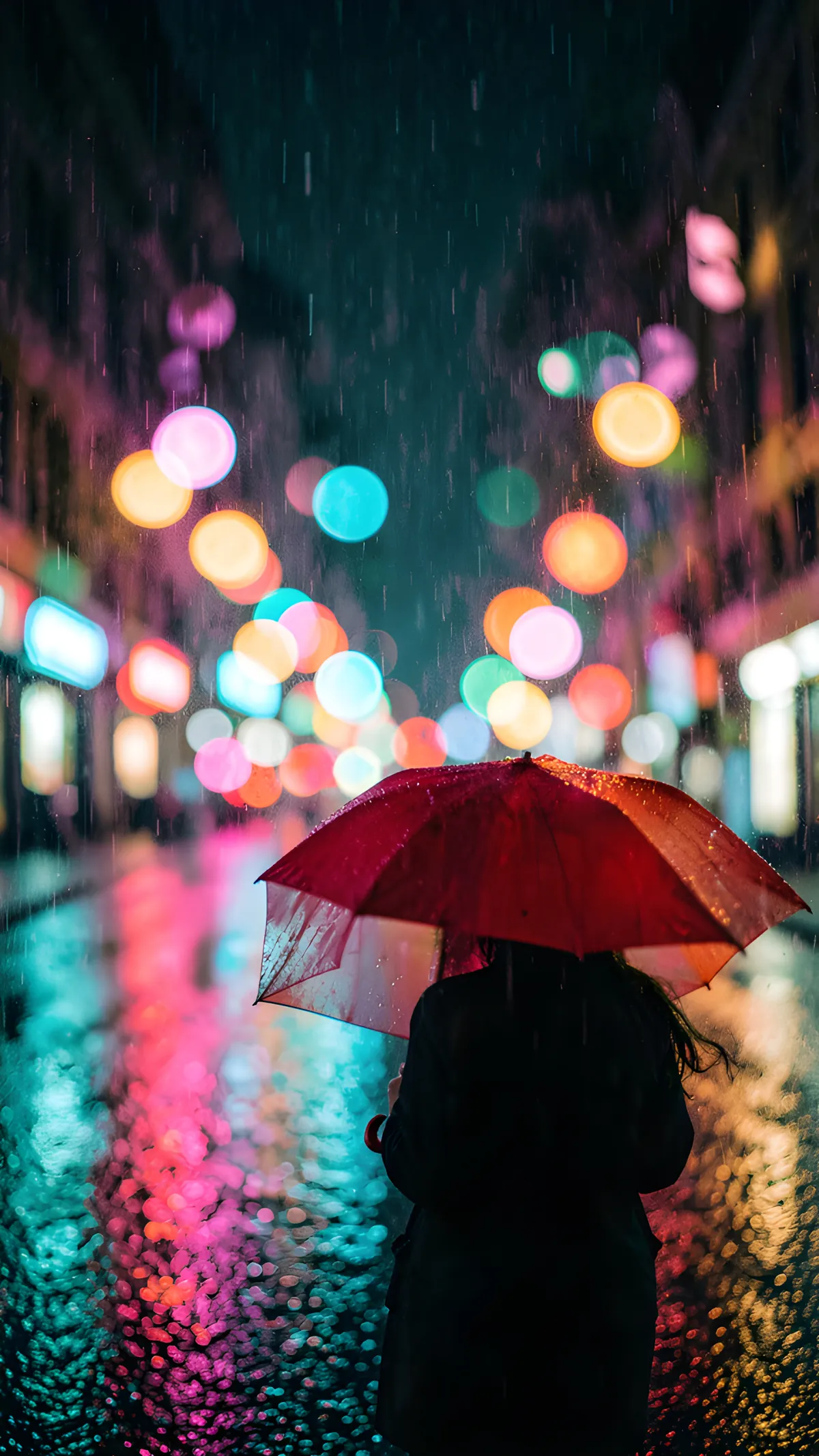


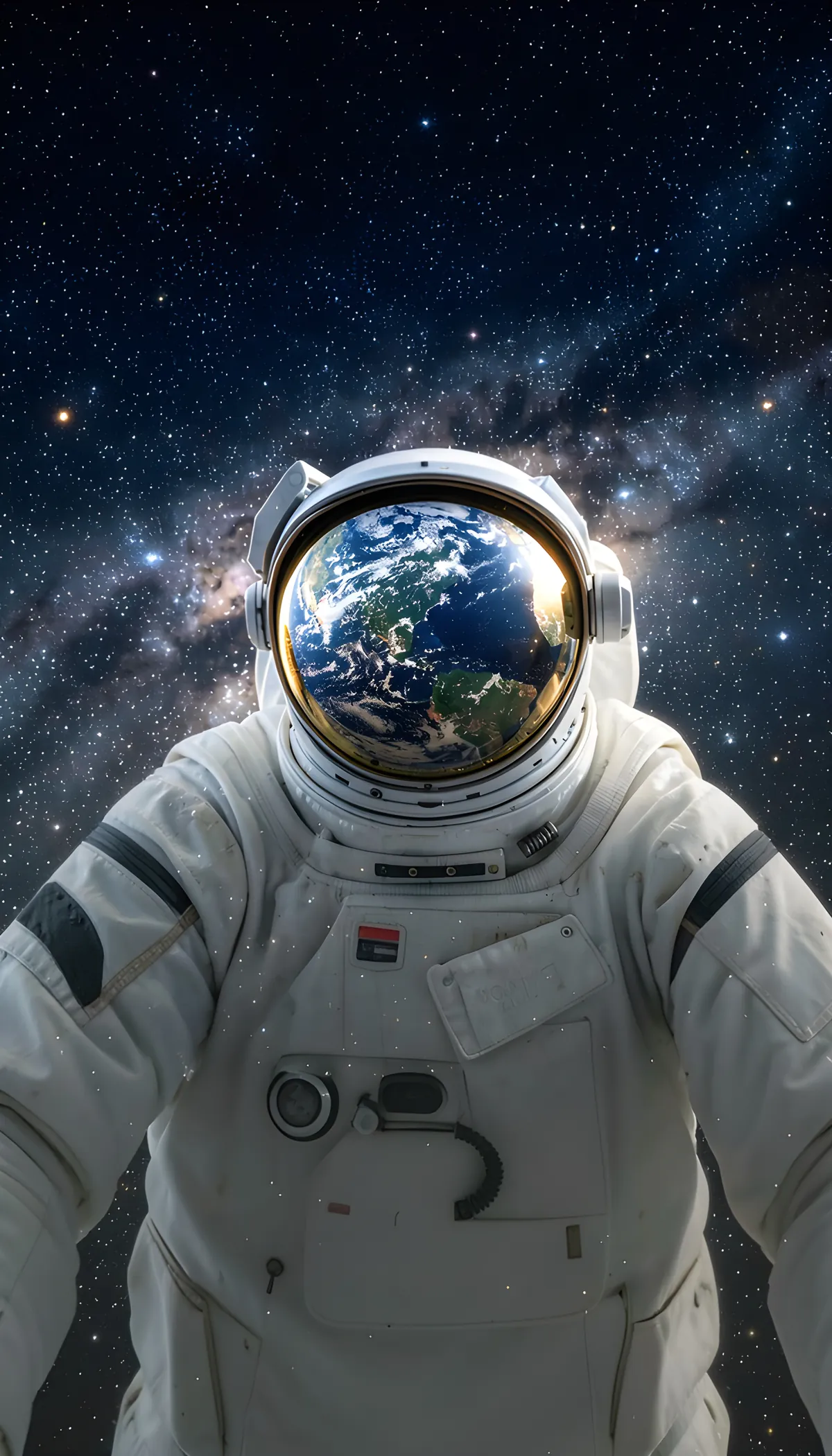
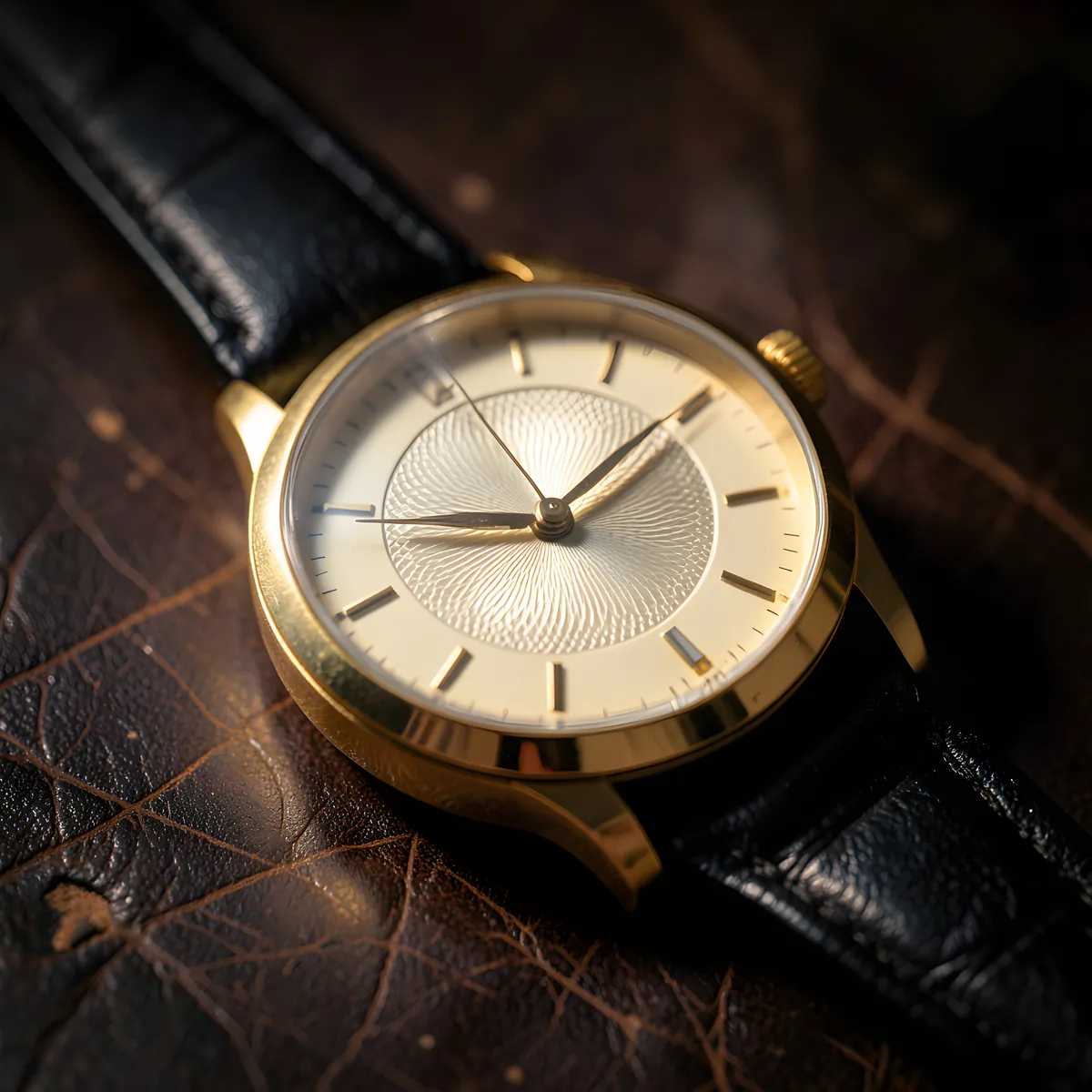

Styles
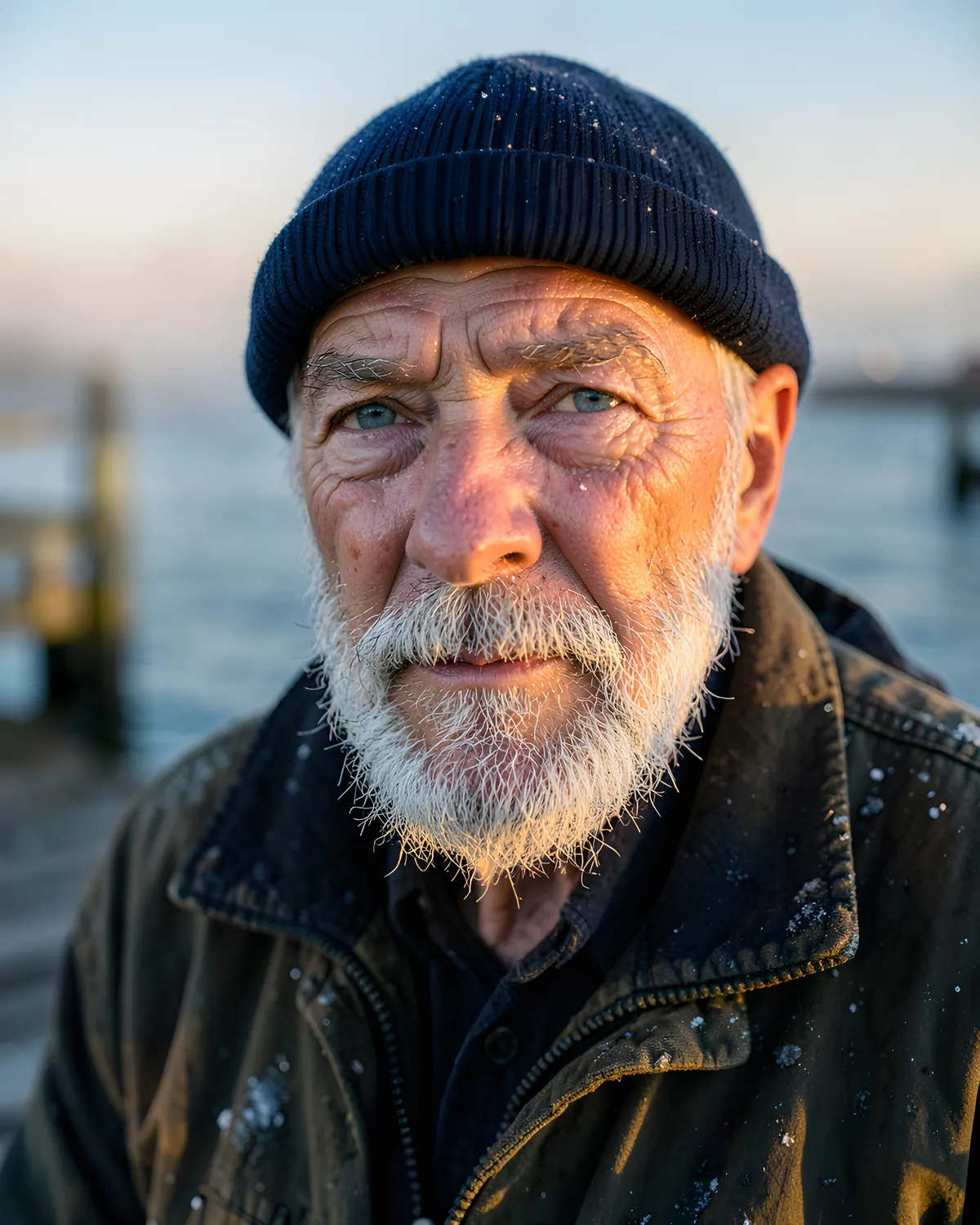
23 styles, from cinematic film and photo to oil paint, anime, 3D animated and clay. Pick one before you create, or restyle a picture you already have.
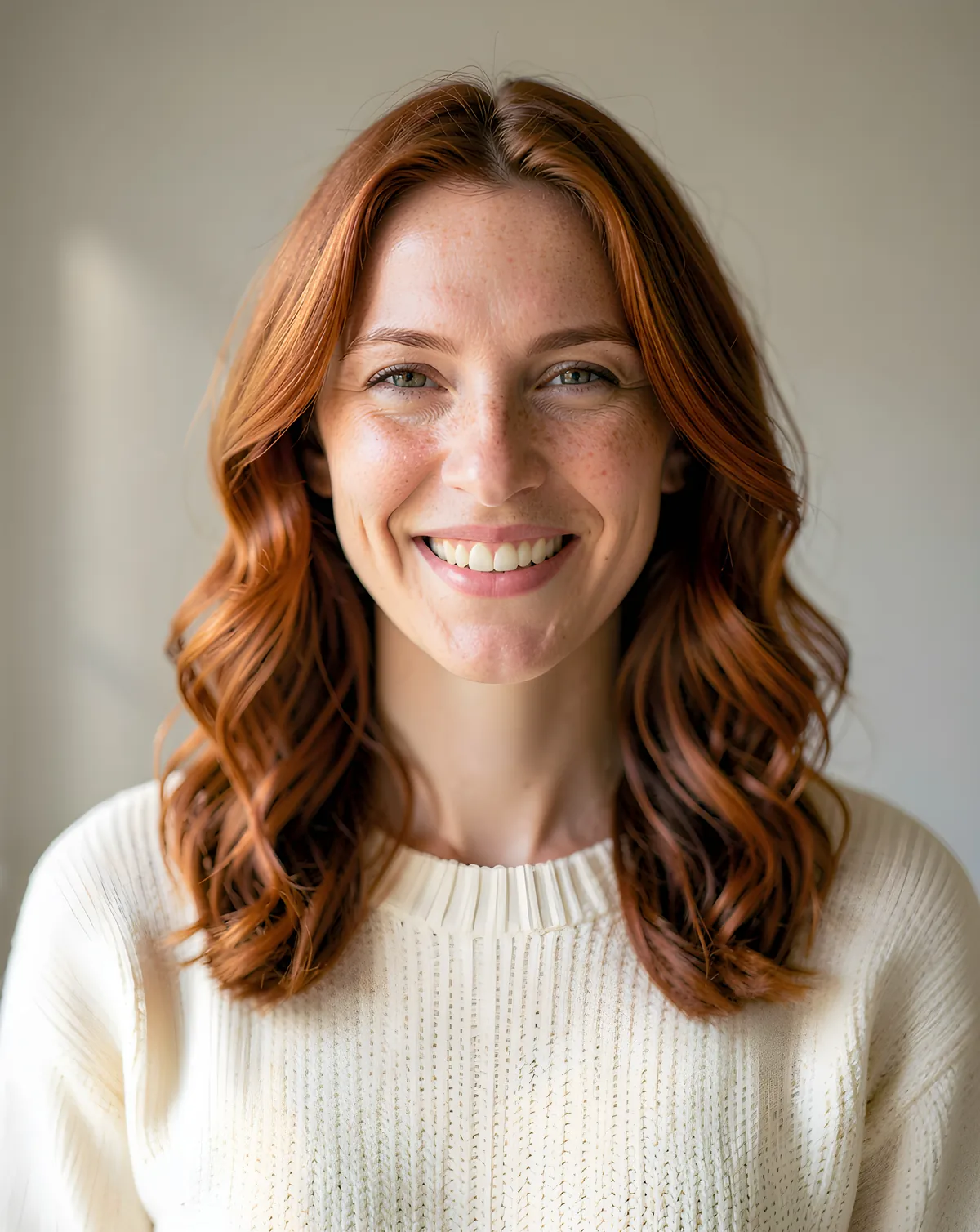
Edit Studio: an AI photo editor
Edit with words, magic eraser, background swap, extend, restyle, upscale to 4K and make it move. It works on the pictures you create and on your own photos, and every change is kept as a new version, so the original is always there.

And much more
Add a title or a caption with built-in fonts. Good for posters, covers and stories.
Browse ready prompts by subject, or fill in a template and go.
Turn a few plain words into a detailed prompt with one tap.
Like the picture? Get close alternatives and keep the best one.
All your pictures in one library, with every version and recipe.
Take a photo with the camera and edit it straight away.
Privacy
Visualmee has no image server. The models run on the Apple silicon chip in your iPhone, iPad or Mac, so your words and photos are processed right where they are.
Compared with cloud image generators
A cloud image generator makes your picture on a company's servers. Visualmee makes it on your own iPhone, iPad or Mac. Here is what that changes.
| Question | Visualmee | Cloud image generator |
|---|---|---|
| Where the picture is made | On your device, by an open model you downloaded | On the service's servers |
| Internet | Once, to download a model. After that, flight mode is fine. | Needed for every picture |
| Your prompts and photos | Stay on your device and are never uploaded to us | Sent to the service to be processed |
| Account | None | Depends on the service |
| Speed | Depends on your device: about half a minute to a couple of minutes on a phone, usually faster on a Mac | Depends on the service and your connection |
| What you need | iPhone or iPad with 6 GB of memory or more, or a Mac with Apple silicon, and a few gigabytes of storage for each model | Any device with a connection |
Models
Run Stable Diffusion XL models, FLUX.2 [klein] and more right on your iPhone, iPad or Mac. Visualmee shows only the models your device can run. Download one or several, and switch whenever you like.
Fast and light.
Fast and versatile. Scenes, art, landscapes. Based on Stable Diffusion XL.
Photoreal. Best for detail and realistic scenes. Based on Stable Diffusion XL.
Small and sharp, and it powers edits with words. By Prism ML.
Our richest pictures, for the strongest devices. By Black Forest Labs.
System requirements
Visualmee Pro
Buy Pro once and it opens on your iPhone, iPad and Mac with the same Apple Account.
Coming soon
Coming soon
Coming soon
Prices will be shown on the App Store for your country. Subscriptions renew automatically until you cancel in your Apple Account settings.
Responsible by design
Safety checks run on your device, before and after every picture. Sexual content, anything involving minors and deceptive images of real people are not allowed. Every saved or shared picture is marked as AI-made in its file data, and every picture has a Report action. Visualmee is for adults, 18 and over.
Read our termsVisualmee (on the App Store as “Visualmee: AI Photo Studio”) is an AI image generator and photo editor for iPhone, iPad and Mac. It runs open image models on your own device, so it works offline, needs no account and does not upload your prompts or photos.
Yes. You need a connection once, to download a model. After that, creating and editing run on your device, even in flight mode.
iPhone and iPad with 6 GB of memory or more on iOS or iPadOS 18.6 or later, and Macs with Apple silicon on macOS 14 or later. One Pro purchase works on all three with the same Apple Account.
Open image models that run on the device: DreamShaper XL Turbo and RealVis XL (both based on Stable Diffusion XL), FLUX.2 [klein], Bonsai Image and Sana Sprint. Visualmee shows only the models your device can run.
It depends on the model and the device. On a phone, expect about half a minute to a couple of minutes, and longer when the device is warm. Macs are usually faster.
Each model is a one-time download of a few gigabytes. Visualmee shows the size before you download, and you can remove a model at any time in Settings.
No. Your prompts, photos and pictures stay on your device. We only see something if you choose to send us a report.
Yes. Pick a photo with the system photo picker or take one with the camera, then erase, restyle, extend, swap the background or upscale it. Only edit photos you have the rights to, and never to deceive or harm real people.
The core tools do. A few, such as Edit with words, need a stronger model and more memory, so Visualmee only offers what your device can run.
Yes, in the file data. Every saved or shared picture carries the IPTC Digital Source Type for AI-made media. Nothing is drawn on the picture itself.
Adults. Visualmee asks you to confirm that you are 18 or older and to accept the Terms of Use before you start.
Yes, within our Terms of Use and the model licences. Please read the Acceptable Use Policy in our terms.